 quoneon
Explore your measurements
Work with sequences, images, signals and networks. Choose analyses that make the patterns in your data easier to examine.
Scientific analysis, without writing code
Explore data, model systems and uncover patterns with Quoneon’s connected scientific models and guided apps.
Early access is being prepared. Ask about your workflow.

From the first measurement to the next question.
Work with sequences, images, signals and networks. Choose analyses that make the patterns in your data easier to examine.
Study relationships, compare structures and explore models across biology, neuroscience and engineering.
Move from a figure to the values behind it. Review outputs in context and save supported tables, images and result packages.
Explore our featured models and the work you can do with each.
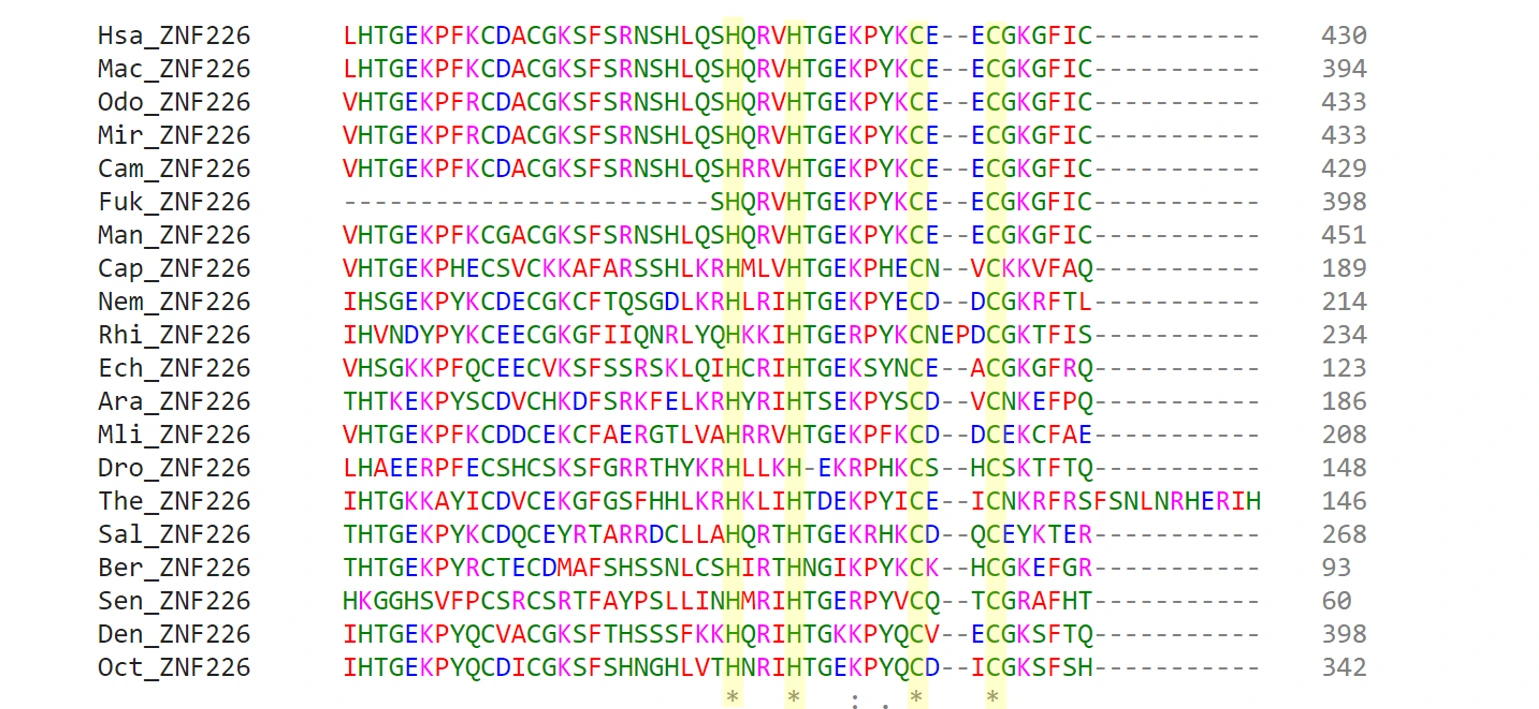
117 apps in the catalog
Explore the information in living systems.
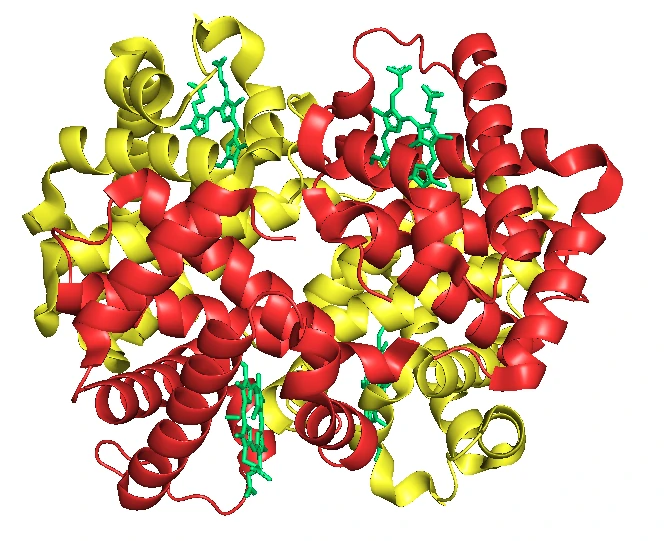
144 apps in the catalog
Study structure, evolution and biological systems.
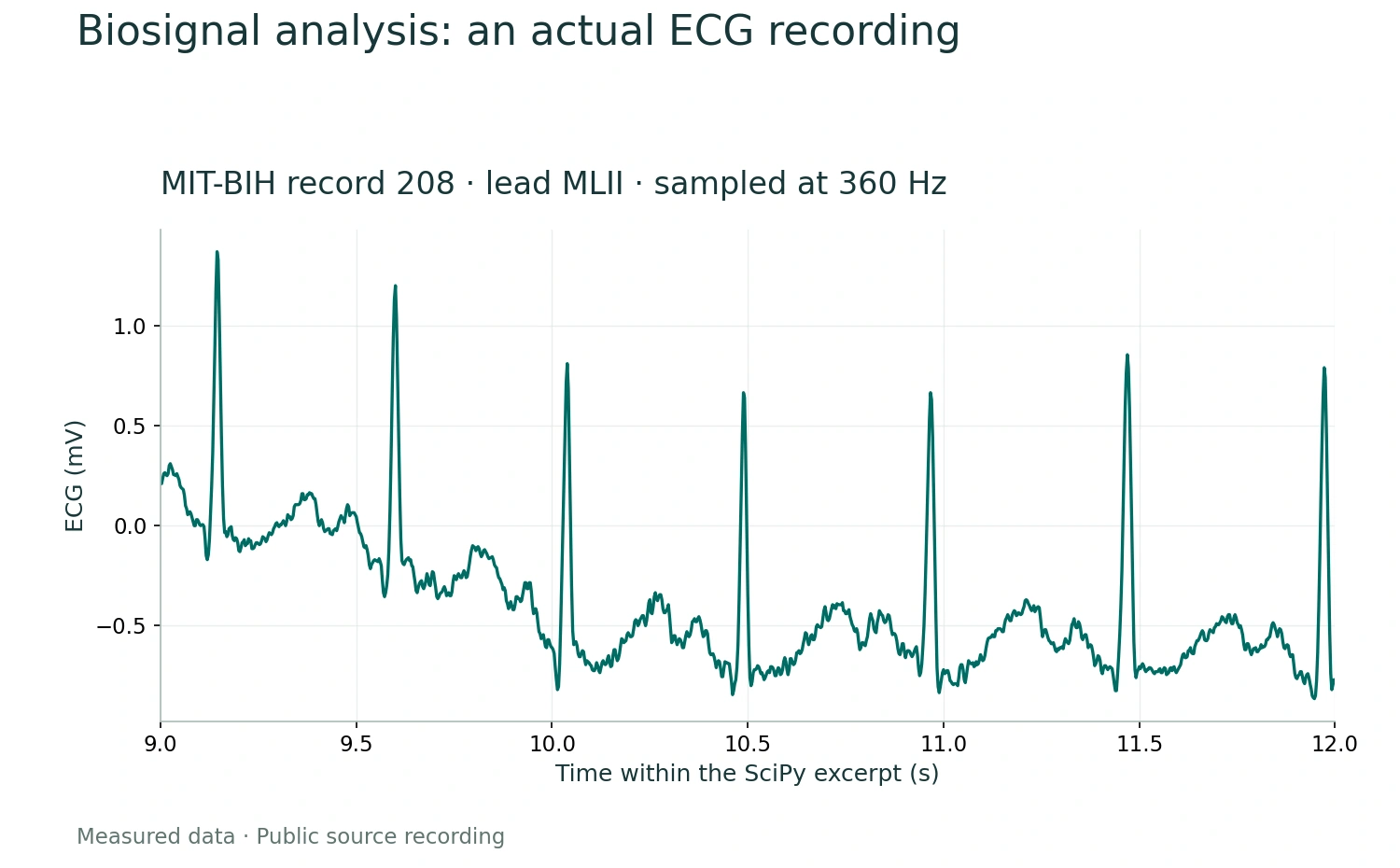
48 apps in the catalog
Find meaning in physiological signals.

117 apps in the catalog
Explore images. Measure what matters.

102 apps in the catalog
Connect neural activity with quantitative understanding.
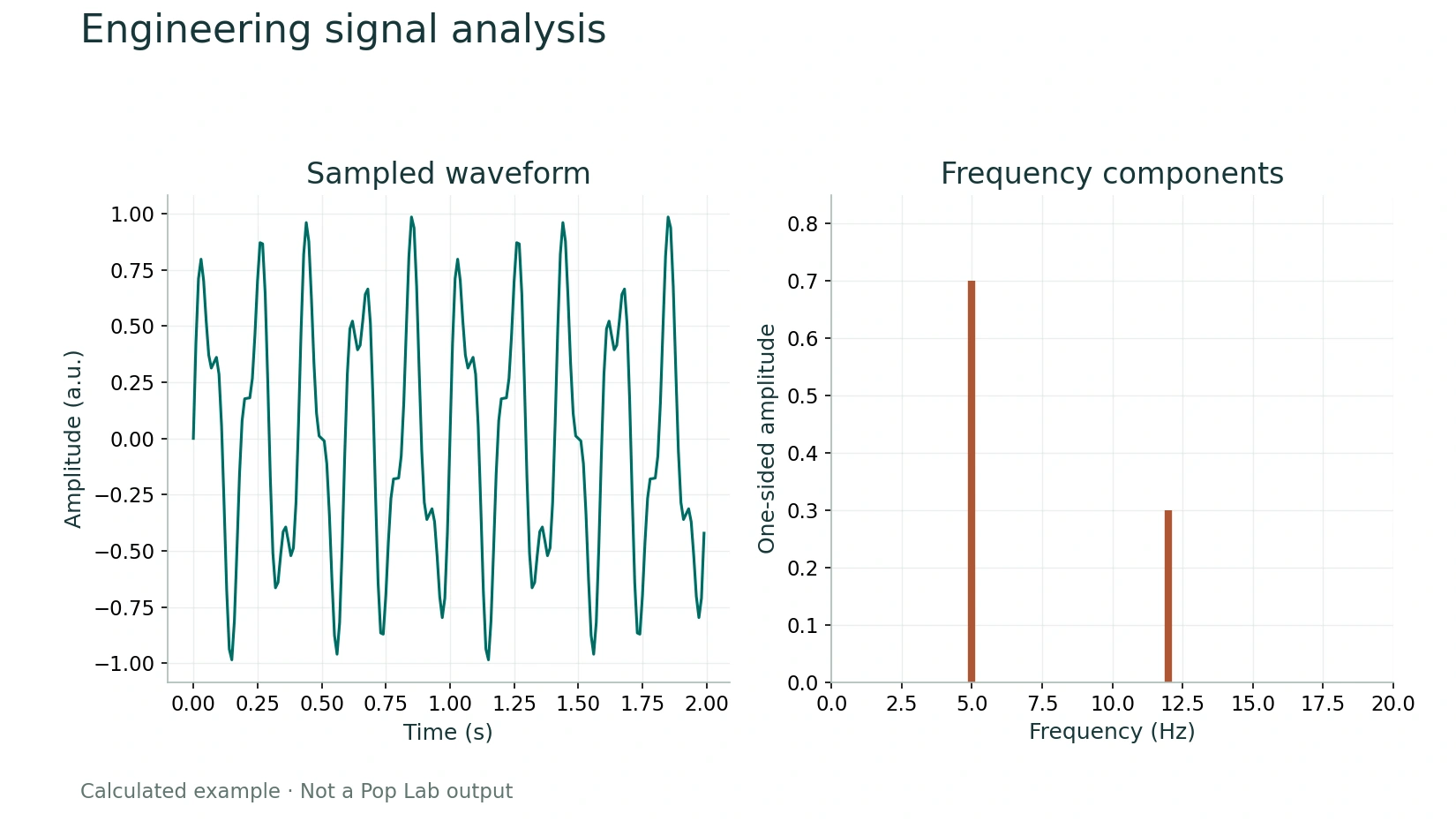
278 apps in the catalog
Understand how your system behaves.
A guided path through analysis, with no code required. Hosted access is not open yet.
Start with a supported file and check its units, labels and recording information.
Select the app and analysis that match your scientific question.
Set the relevant parameters and run the selected analysis.
Inspect figures and numerical results, then save the available outputs.
Quoneon in motion
Explore models, apps and workflows across scientific disciplines in our 2 minute 48 second introduction.
Explore a broad collection of scientific capabilities inside complete models.
Catalog choices span different methods and settings. Availability and input requirements vary by workflow; Computational Biology Model Selection is temporarily unavailable.
Your next research question
Tell us about your data and the workflow you want to use.